

We strongly encourage you to download the event app, which will greatly improve your experience at the event.
PLEASE NOTE: After registration it can take a few minutes for your access to the event app to be granted. You MUST use the email address from your registration confirmation to access the app! Additional troubleshooting steps are available below.

SmallSat Europe 2026
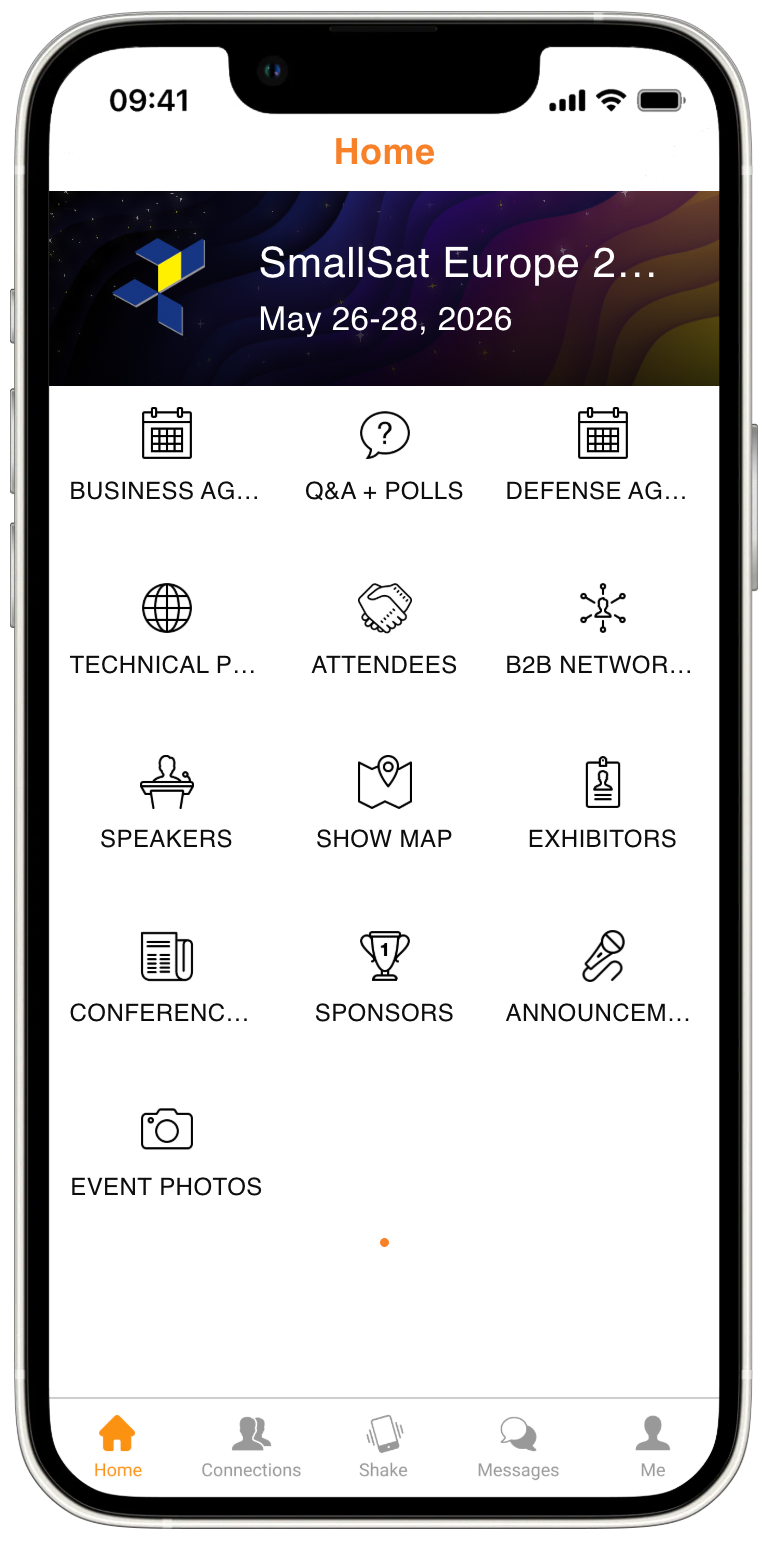
Download our official app to access the event platform:


Access Troubleshooting
Email Error:
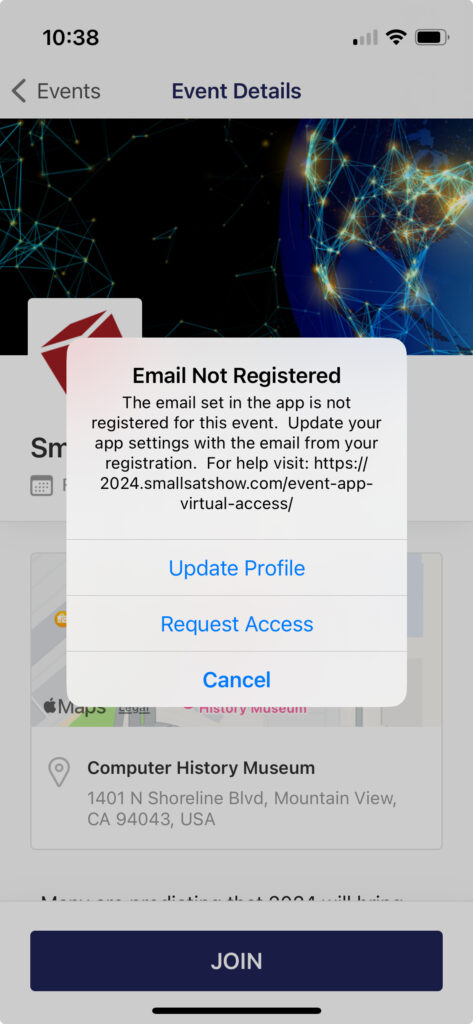
Reason 1: If you just registered, wait 15 minutes for our automation to add you to the app.
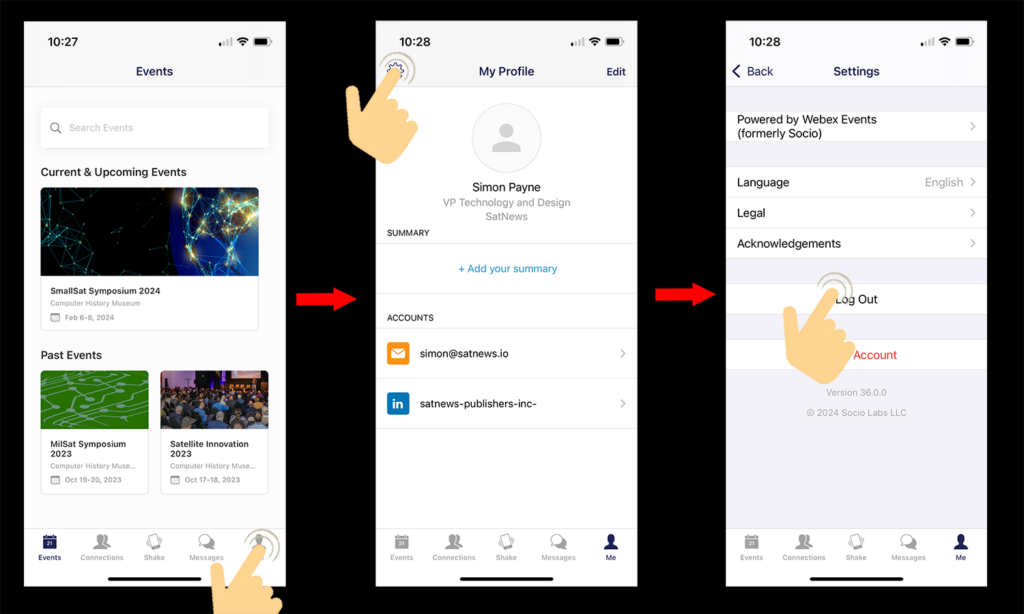
Reason 2: Your email does not match what we have for you in the app. Please log out and log back into the app using the email address from your registration confirmation. See below:
Wrong Event:
I see an old SatNews event.
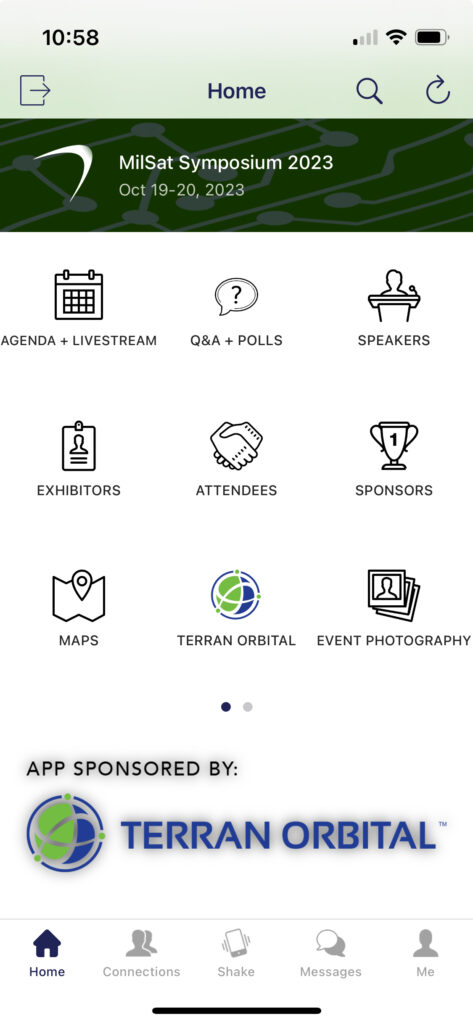
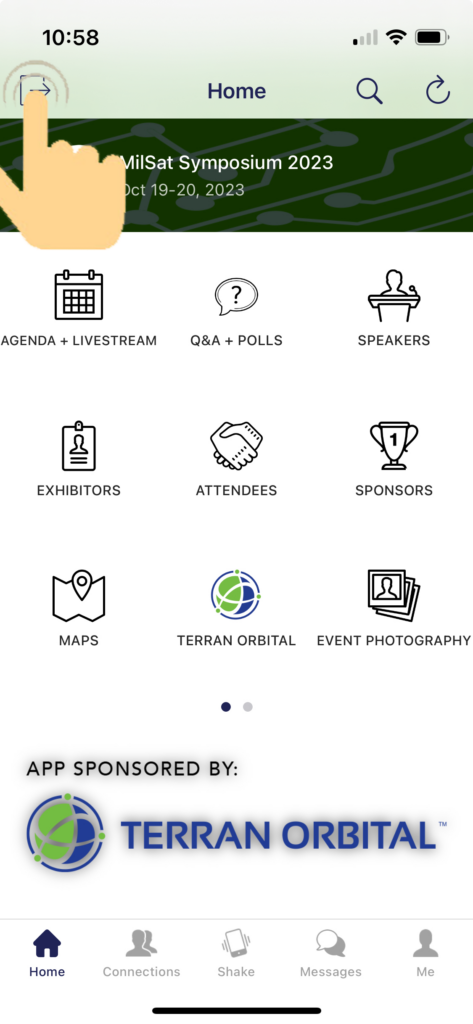
Reason: You need to switch events. Please click out of the current event and confirm:
Other:
Please email [email protected] in advance of the event for additional assistance. Screenshots of your error are very helpful for email assistance.
During the event, come visit us at the information desk and we will make our best effort to resolve your issue.